
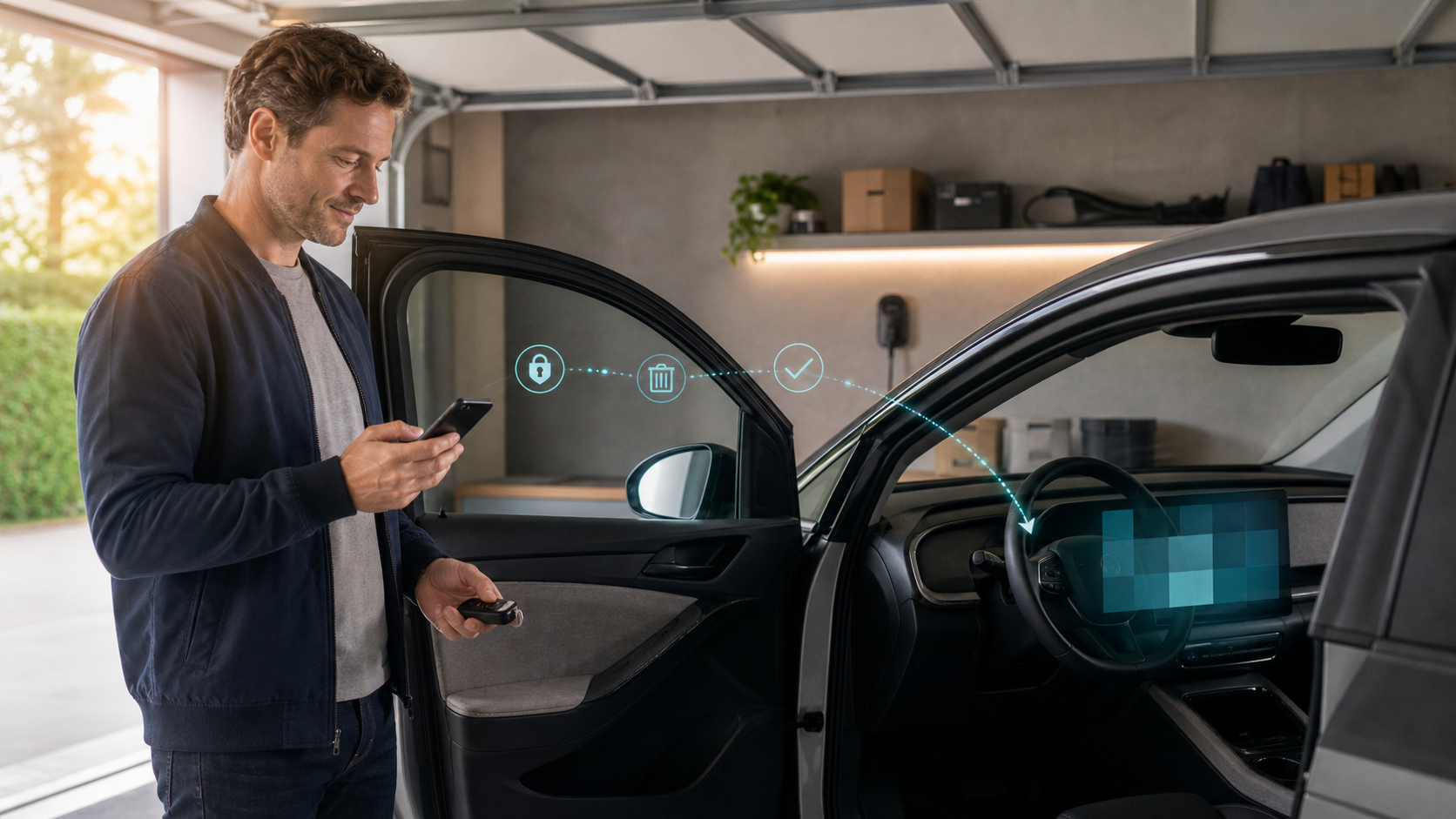
Selling a connected car? Wipe more than the glovebox
Navigation history, paired phones, garage access, apps, and account-linked services can remain behind unless the owner deliberately removes them.
Answer first
A factory reset is a good start, but ownership transfer also requires removing the vehicle from cloud accounts, apps, digital keys, and third-party services.
Why deleting a phone pairing is not enough
An infotainment system can retain contacts, messages, call history, destinations, home and work addresses, Wi-Fi credentials, media accounts, and paired-device identifiers. The vehicle may also remain attached to a manufacturer's account that controls remote unlock, location, charging, subscriptions, or driver profiles.
A separate garage-door opener, toll transponder, dashcam memory card, insurance telematics device, or aftermarket head unit can hold additional access or history.
How to delete data from a car
Selling a connected vehicle requires a transfer checklist. Complete these steps before the vehicle leaves your control, then confirm that the buyer cannot see the car in your account.
- Remove every driver profile, paired phone, contact list, destination, Wi-Fi network, and voice history available in the vehicle menus.
- Sign out of music, maps, charging, parking, tolling, and other embedded apps.
- Erase dashcam and event-recorder media you own; do not destroy records subject to a legal or insurance hold.
- Clear garage-door and gate codes and revoke shared digital keys.
- Factory-reset the infotainment system using the owner's manual procedure.
- Remove or transfer the VIN in the manufacturer's app and connected-services account; cancel subscriptions and insurance tracking programs.
- Keep confirmation of the transfer or account removal.
If you bought the car used
Reset it again, check for unknown profiles and Bluetooth devices, inspect the diagnostic port for third-party trackers, and establish yourself as the account owner through the manufacturer's documented process. Contact the manufacturer if a previous owner still controls remote functions.
Selling a connected vehicle requires local and cloud cleanup
The in-vehicle reset can remove profiles, pairings, destinations, media, and settings stored by the head unit. It may not cancel a connected-services subscription, remove the VIN from the seller's manufacturer account, revoke shared phone keys, delete cloud history, or end access held by an insurer, fleet manager, charging service, or aftermarket device.
Complete the documented ownership-transfer process for every service and preserve confirmation. Afterward, sign out, restart the car, and verify from the former account that remote location, lock, charging, climate, and profile controls no longer work.
Use an exact-vehicle handoff record
Record the VIN, date, odometer, installed infotainment system, reset procedure used, accounts removed, subscriptions canceled or transferred, digital keys revoked, storage media removed, and any feature that could not be cleared. This makes a private sale, dealer trade, lease return, or fleet reassignment auditable.
Do not erase information subject to a crash, warranty, insurance, litigation, or other preservation obligation. When records must be retained, remove personal access where possible and document the legal or operational reason the data or device remained with the vehicle. Give the recipient any required reset or account-transfer instructions without sharing the seller's passwords.
Evidence ledger
Primary sources
Historical and technical claims were checked against the sources below on August 13, 2026. The linked source controls.
- Federal Trade CommissionCars & Consumer Data: connected-car privacy guidance
- Federal Trade CommissionFTC final connected-vehicle data order