
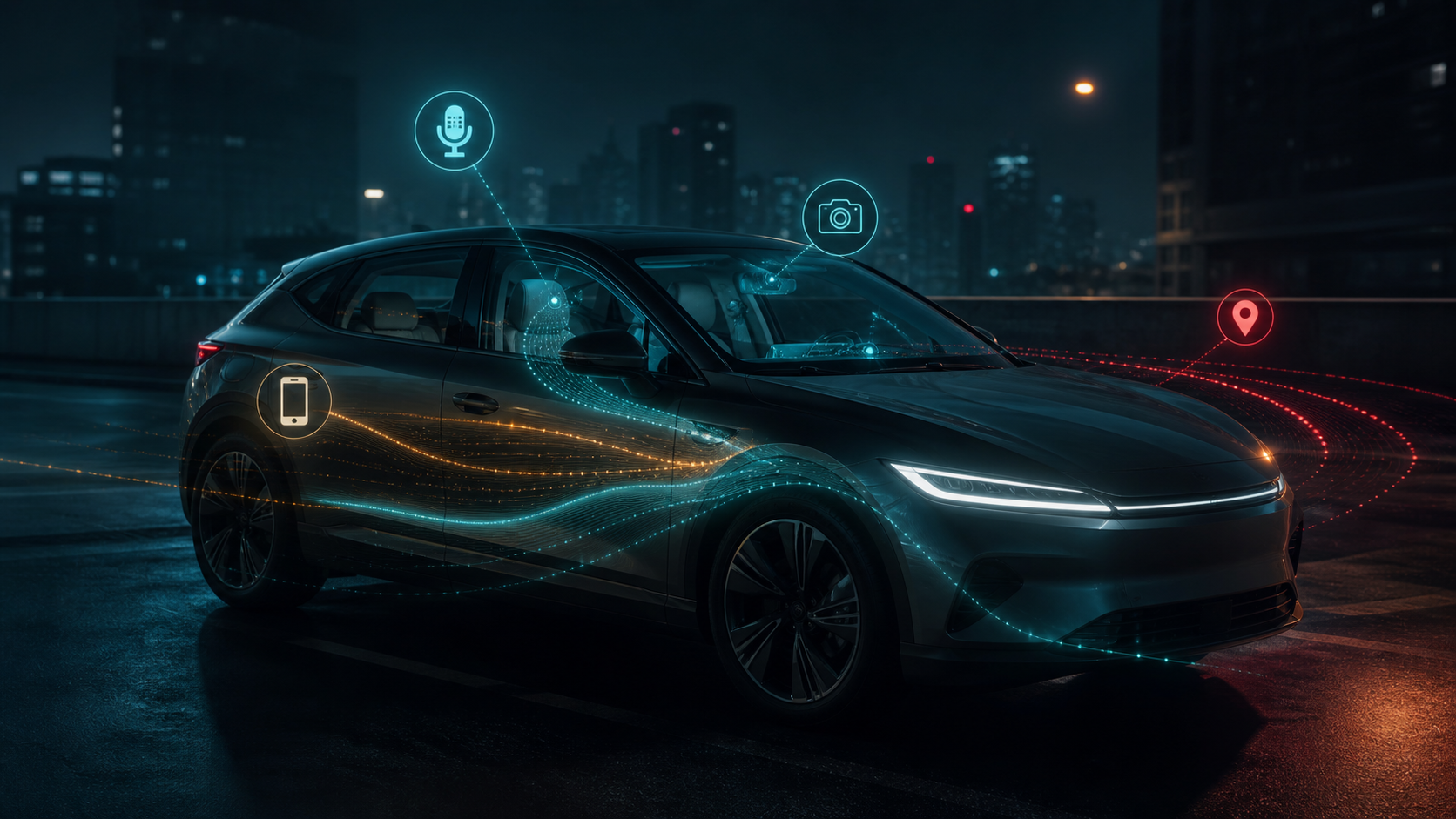
What data does my car collect? A system-by-system inventory
Check telematics, navigation, infotainment, paired phones, driver assistance, apps, digital keys, diagnostics, and insurance programs separately.
Answer first
What data your car collects depends on installed hardware, enabled services, accounts, apps, and settings; build an inventory instead of relying on a single privacy switch.
Research map
The evidence path at a glance
Use these landmarks to orient the subject before opening the detailed analysis below. Each one represents a distinct historical boundary or verification step—not another name for the same event.
- Car
Inventory local records
Check profiles, destinations, calls, camera storage, diagnostics, and digital keys.
- Phone
Inspect pairing permissions
Contacts, messages, identifiers, and projection history may be copied.
- Cloud
Review linked services
Manufacturer, insurance, charging, roadside, fleet, and media accounts create records.
- Reset
Remove local and remote access
Confirm the former owner's users and sessions are revoked.
Start with the vehicle
Review saved destinations, user profiles, voice history, camera or dashcam storage, event data, diagnostics and digital keys.
The owner manual identifies features, while privacy menus show only the controls the manufacturer exposes.
Then inspect connected accounts
Companion apps may store location, remote-command history, charging information, trip data and account identifiers.
Insurance, fleet, roadside and entertainment services can create additional records outside the manufacturer account.
Paired devices contribute data
Bluetooth and projection systems can copy contacts, call records, messages and device names depending on permissions.
Deleting the pairing on the phone does not always remove the copy stored in the car.
Inventory by data category and recipient
Location can appear in navigation history, remote-service logs, emergency events, charging sessions, tolling, phone projection, insurance programs, and third-party accessories. Driving behavior can include speed, braking, acceleration, seat-belt use, assistance events, energy use, diagnostic trouble, and odometer information.
Cabin and identity data can include contacts, messages, voice commands, camera-derived attention signals, user profiles, biometric settings, Wi-Fi credentials, and device identifiers. The existence of a sensor does not prove that raw data is recorded or transmitted, so tie each claim to the exact feature, notice, and enabled service.
Test deletion instead of assuming it
After using the vehicle's documented reset, restart it and inspect recent destinations, paired devices, profiles, digital keys, garage controls, media, and app status. Sign in to the manufacturer portal separately and confirm that remote location and commands no longer work for the former account.
Where an access or deletion request is available, note its scope and completion response. Some records may be retained for safety, warranty, legal, security, or deidentified analysis purposes; report the stated boundary rather than describing a local reset as universal erasure. Repeat the check after service or a software update if profiles or permissions reappear.
Document and reduce the footprint
Turn off optional sharing you do not need and record which safety or emergency functions remain active.
Use manufacturer access and deletion channels where available, then repeat the inventory before sale, lease return or rental return. Save the date, request scope, and response so the result can be distinguished from a local-screen reset.
Evidence ledger
Primary sources
Historical and technical claims were checked against the sources below on August 26, 2026. The linked source controls.
- Federal Trade CommissionCars and consumer data
- NHTSACybersecurity best practices for modern vehicles