
History of car infotainment systems
Car entertainment and information systems grew from standalone radios into networked interfaces controlling navigation, phones, climate, and vehicle settings.
Answer first
The history of car infotainment systems is a shift from replaceable hardware to integrated software; support life and reset controls now matter as much as sound quality.
Research map
The evidence path at a glance
Use these landmarks to orient the subject before opening the detailed analysis below. Each one represents a distinct historical boundary or verification step—not another name for the same event.
- Audio
Standalone entertainment
Radio, tape, and disc players established dashboard electronics.
- Integrated
Navigation and phone pairing
Displays combined maps, audio, calling, and vehicle menus.
- Projected
Phone-provided apps
Projection moved app logic and frequent updates to a mobile device.
- Connected
Software-defined cabin
Accounts, subscriptions, updates, and integrated controls make support life critical.
Audio established the dashboard platform
Factory radios, tape players and compact discs turned the dashboard into an electronics location with vehicle-specific controls and wiring.
Premium sound added amplifiers and networked components that made simple head-unit replacement less universal.
Navigation and phones converged
Color displays, navigation databases, Bluetooth and voice control combined previously separate functions.
Smartphone projection later allowed phone apps to supply maps and media while the vehicle retained its own interface.
Screens absorbed vehicle functions
Climate, drive modes, cameras and assistance settings increasingly moved into central displays.
That integration makes software reliability, startup time and long-term update support ownership concerns.
Integration changed replacement economics
A standardized radio opening once allowed many owners to replace the entertainment unit independently. Networked amplifiers, vehicle settings, security pairing, cameras, microphones, antennas, steering-wheel controls, and climate interfaces can now make the display part of several systems rather than a standalone appliance.
Document which functions depend on the original module before replacing it. An adapter can preserve some controls without reproducing every warning, calibration menu, or connected feature, and a used factory unit may require manufacturer-specific coding or account release before it operates correctly.
Software support is part of the model-year record
Two cars with the same screen shape can have different processors, operating systems, update paths, and smartphone compatibility. Record the hardware identifier and installed version beside advertised features instead of assuming that a later interface can be installed on every earlier car.
For long-term ownership, check whether map, Bluetooth, projection, security, and connected-service updates still exist. A discontinued cloud feature should be described as discontinued; it should not disappear from history or remain presented as a currently usable feature. Record regional differences and subscription requirements as well, since an advertised service may never have operated in every market.
Selling requires a digital reset
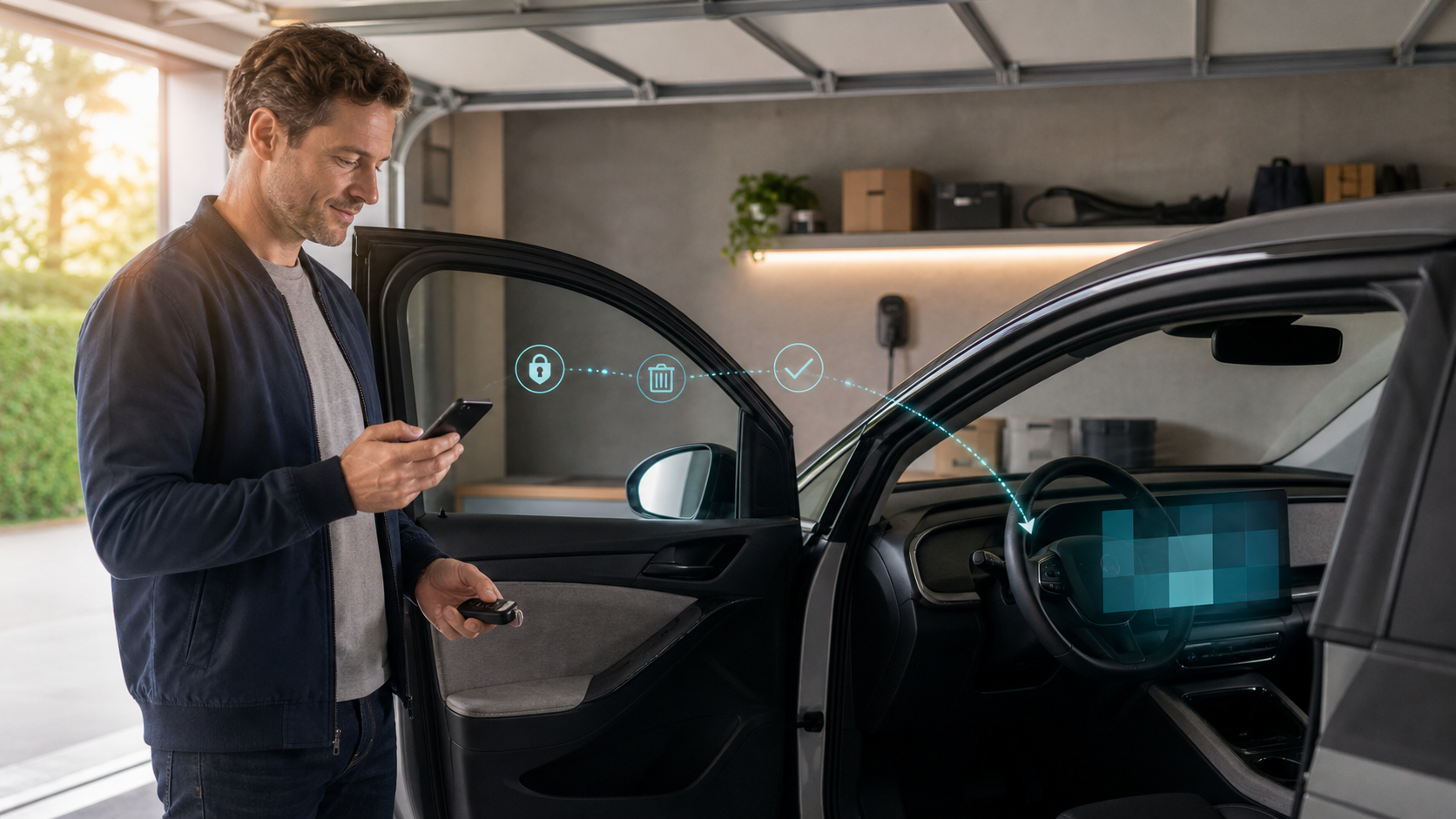
Delete phones, contacts, destinations, accounts, garage codes and app links before transfer.
Use the exact factory reset and connected-service ownership process; wiping the screen may not remove cloud-side access. Restart the vehicle and inspect every profile afterward, then confirm separately that the former owner's app can no longer locate, unlock, or manage it. Remove saved Wi-Fi networks and paired media devices too.
Evidence ledger
Primary sources
Historical and technical claims were checked against the sources below on August 26, 2026. The linked source controls.
- NHTSACybersecurity best practices for modern vehicles
- Federal Trade CommissionCars and consumer data